Pre-Summer Sale Limited Time 70% Discount Offer - Ends in 0d 00h 00m 00s - Coupon code: 70track

Free Microsoft MD-102 Practice Exam with Questions & Answers | Set: 4

Questions 31

You have a Microsoft 365 E5 subscription.

All devices are enrolled in Microsoft Intune.

You need to ensure that devices that have NOT checked in for 30 days are deleted from intune.

What should you configure from the Microsoft Intune admin center?

Options:
A.

a device limit restriction

B.

automatic enrollment

C.

a device clean-up rule

D.

a configuration profile

Microsoft MD-102 Premium Access
Questions 32

You have a Microsoft 365 E5 subscription. The subscription contains devices that are Microsoft Entra joined and enrolled in Microsoft Intune.

You create a user named User1.

You need to ensure that User1 can rotate Bitlocker recovery keys by using Intune.

Solution: From the Microsoft Intune admin center, you assign the Help Desk Operator role to User1.

Does this meet the goal?

Options:
A.

Yes

B.

No

Questions 33

You need to assign the same deployment profile to all the computers that are configured by using Windows Autopilot.

Which two actions should you perform? Each correct answer presents part of the solution.

NOTE: Each correct selection is worth one point.

Options:
A.

Create an Azure AD group that has dynamic membership rules and uses the ZTDID tag.

B.

Create an Azure AD group that has dynamic membership rules and uses the operatingSystem tag.

C.

Assign a Windows Autopilot deployment profile to a group.

D.

Join the computers to Azure AD.

E.

Create a Group Policy object (GPO) that is linked to a domain.

F.

Join the computers to an on-premises Active Directory domain.

Questions 34

You have a Microsoft 365 E5 subscription that uses Microsoft Intune.

You need to ensure that users can only enroll devices that meet the following requirements:

• Android devices that support the use of work profiles.

• iOS devices that run iOS 16.0 or later.

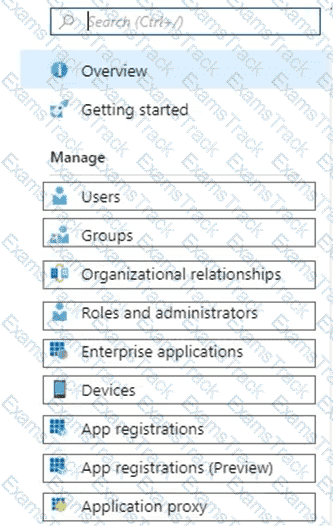
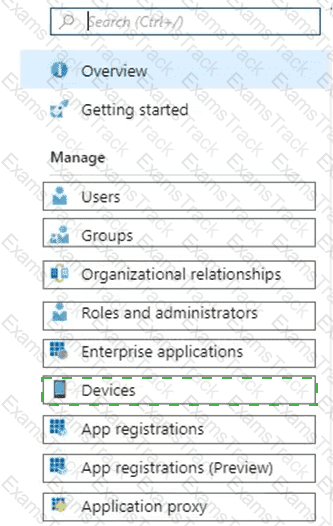
Which two restrictions should you modify? To answer, select the restrictions in the answer area.

NOTE: Each correct selection is worth one point.

MD-102 Question 34

Options:
Questions 35

Your network contains an Active Directory domain. Active Directory is synced with Microsoft Azure Active Directory (Azure AD).

There are 500 Active Directory domain-joined computers that run Windows 10 and are enrolled in Microsoft Intune.

You plan to implement Microsoft Defender Exploit Guard.

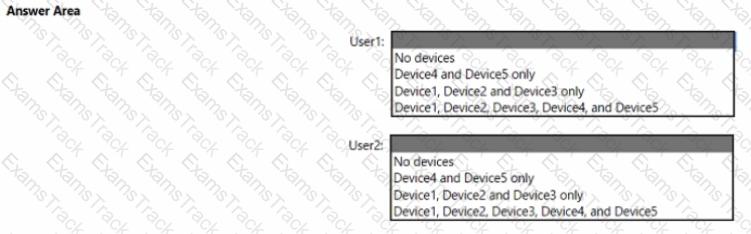
You need to create a custom Microsoft Defender Exploit Guard policy, and then distribute the policy to all the computers.

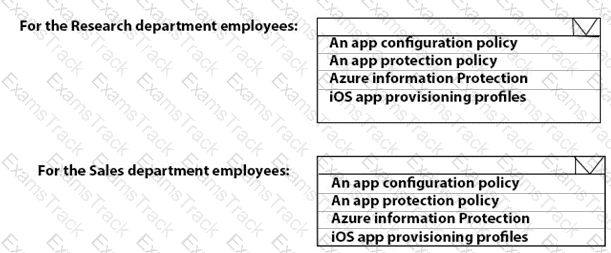
What should you do? To answer, select the appropriate options in the answer area.

NOTE: Each correct selection is worth one point.
MD-102 Question 35

Options:
Questions 36

Your company has an infrastructure that has the following:

• A Microsoft 365 tenant

• An Active Directory forest

• Microsoft Intune

• A Key Management Service (KMS) server

• A Windows Deployment Services (WDS) server

• An Azure AD Premium tenant

The company purchases 100 new client computers that run Windows.

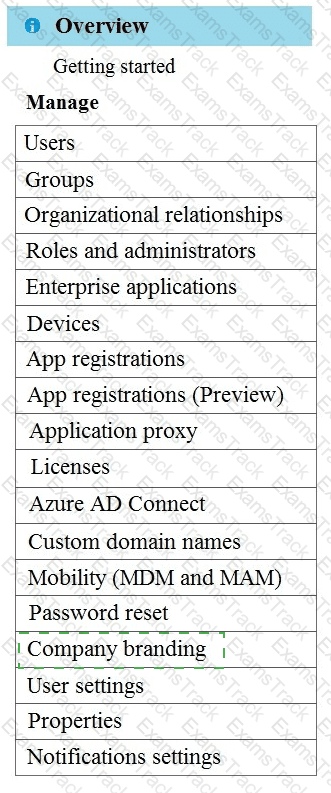
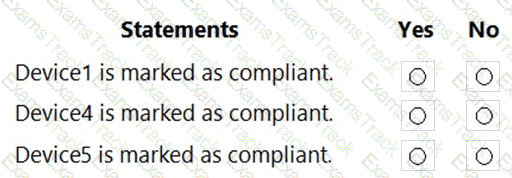
You need to ensure that the new computers are joined automatically to Azure AD by using Windows Autopilot.

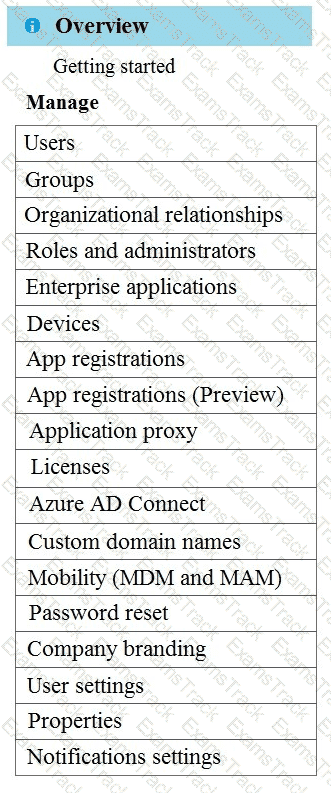
What should you use? To answer, select the appropriate options in the answer area,

NOTE: Each correct selection is worth one point.
MD-102 Question 36

Options:
Questions 37

You have a Microsoft 365 E5 subscription.

You need to download a report that lists all the devices that are NOT enrolled in Microsoft Intune and are assigned an app protection policy.

What should you select in the Microsoft Endpoint Manager admin center?

Options:
A.

Apps. and then App protection policies

B.

Apps. and then Monitor

C.

Devices, and then Monitor

D.

Reports, and the Device compliance

Questions 38

You are creating a device configuration profile in Microsoft Intu

You need to configure specific OMA-URI settings in the profile.

Which profile type template should you use?

Options:
A.

Device restrictions (Windows 10 Team)

B.

Identity protection

C.

Custom

D.

Device restrictions

Questions 39

You have a workgroup computer named Client1 that runs Windows 11 and connects to a public network.

You need to enable PowerShell remoting on Client1. The solution must ensure that PowerShell remoting connections are accepted from the local subnet only.

Which PowerShell command should you run?

Options:
A.

Set-NetFirewallRule -Name " WINRM-HTTP-In-TCP-PUBLIC " -RemoteAddress Any

B.

Set-PSSessionConfiguration -AccessMode Local

C.

Enable-PSRemoting -Force

D.

Enable-PSRemoting -SkipNetworkProfileCheck

Questions 40

You plan to deploy Windows 11 Pro to 200 new computers by using the Microsoft Deployment Toolkit (MDT) and Windows Deployment Services (WDS).

The company has a Volume Licensing Agreement and uses a product key to activate Windows 11.

You need to ensure that the new computers will be configured to have the correct product key during the installation.

What should you configure?

Options:
A.

an MDT task sequence

B.

the Device settings in Azure AD

C.

a WDS boot image

D.

a Windows Autopilot deployment profile