examstrack logo

Task:
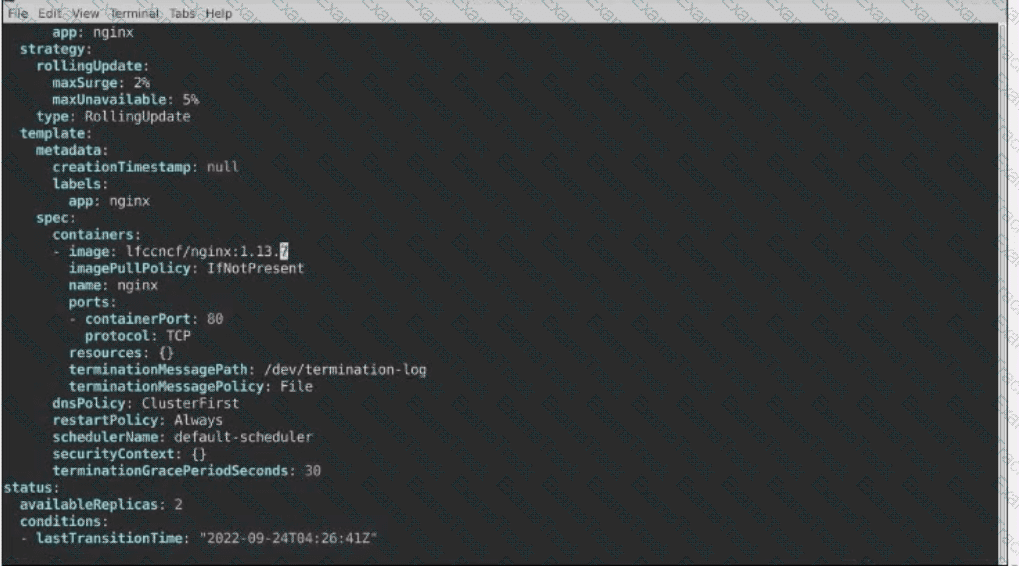
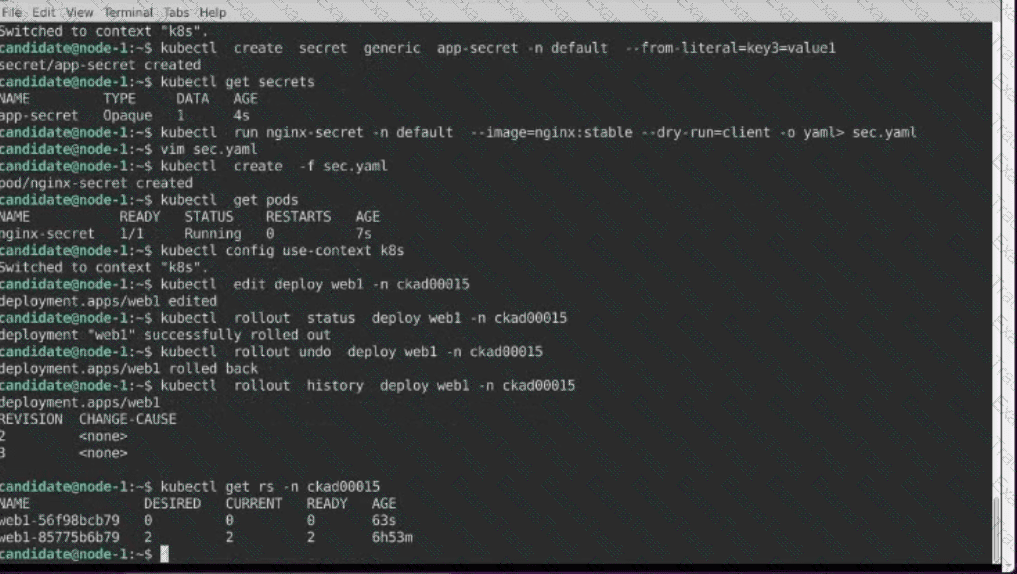
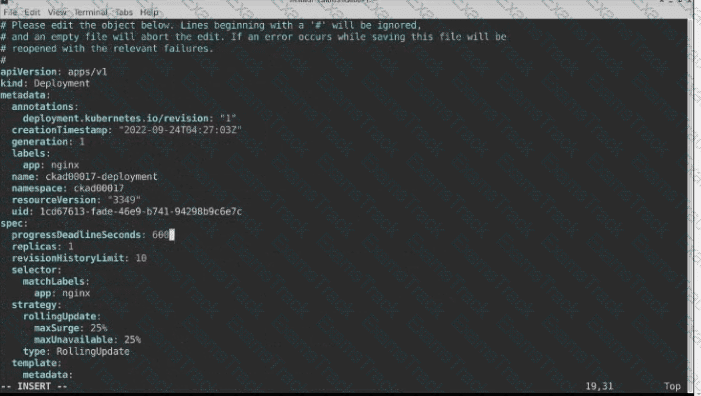
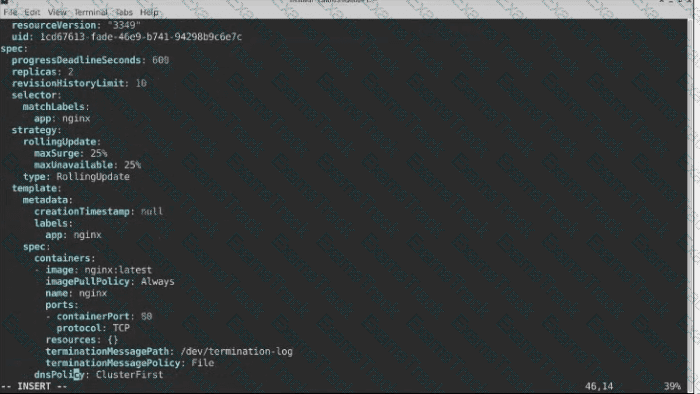
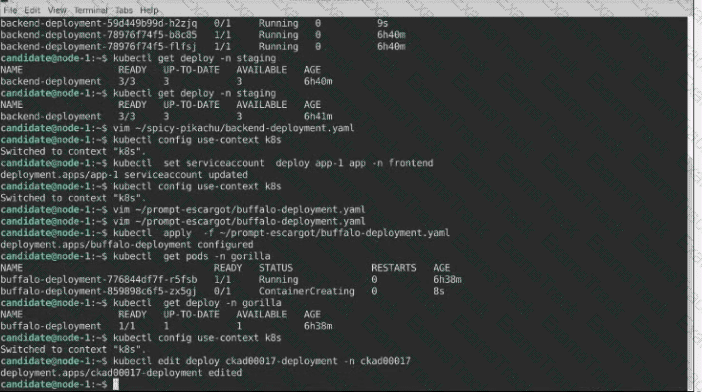
1- Update the Propertunel scaling configuration of the Deployment web1 in the ckad00015 namespace setting maxSurge to 2 and maxUnavailable to 59
2- Update the web1 Deployment to use version tag 1.13.7 for the Ifconf/nginx container image.
3- Perform a rollback of the web1 Deployment to its previous version
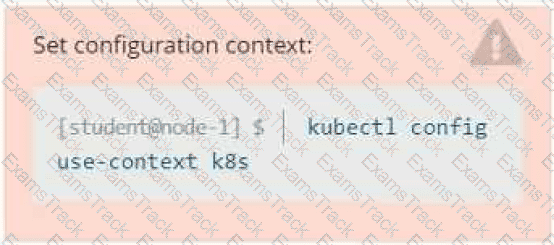
Context
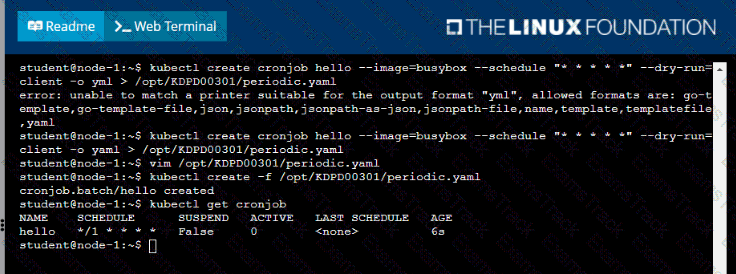
Developers occasionally need to submit pods that run periodically.
Task
Follow the steps below to create a pod that will start at a predetermined time and]which runs to completion only once each time it is started:
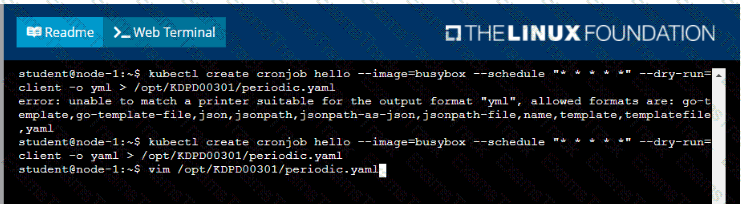
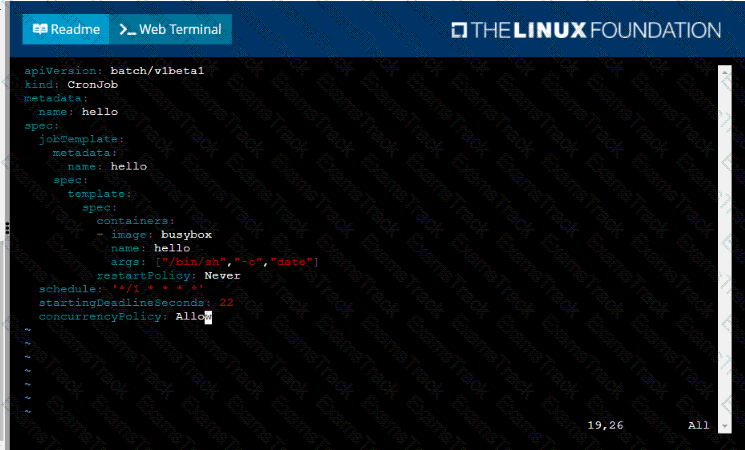
• Create a YAML formatted Kubernetes manifest /opt/KDPD00301/periodic.yaml that runs the following shell command: date in a single busybox container. The command should run every minute and must complete within 22 seconds or be terminated oy Kubernetes. The Cronjob namp and container name should both be hello
• Create the resource in the above manifest and verify that the job executes successfully at least once
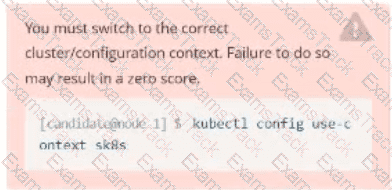
Task:
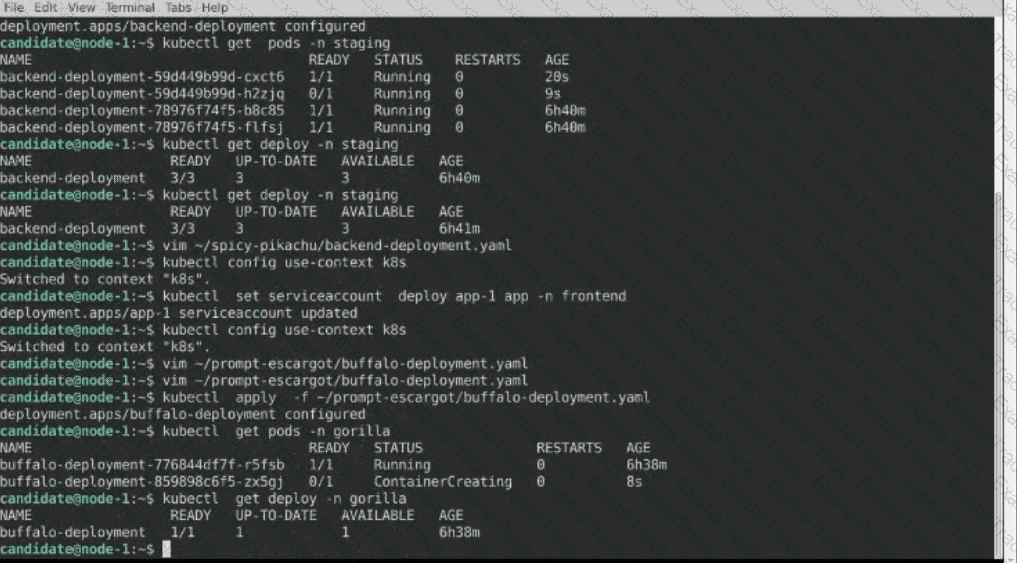
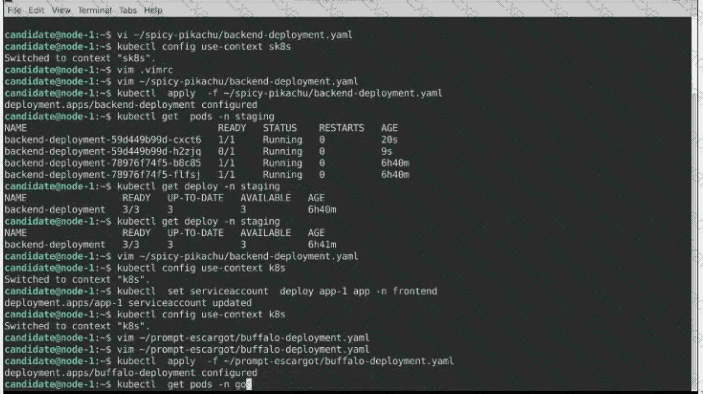
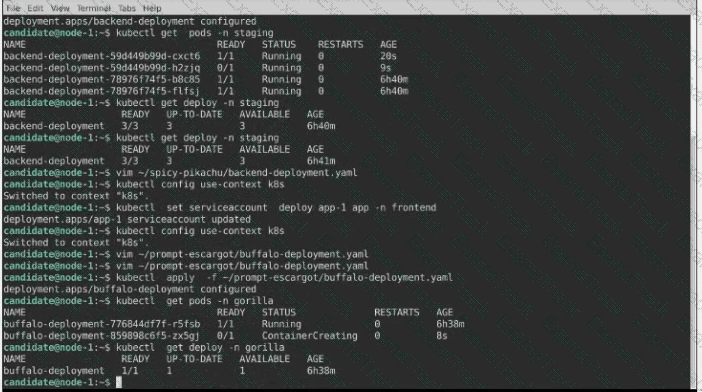
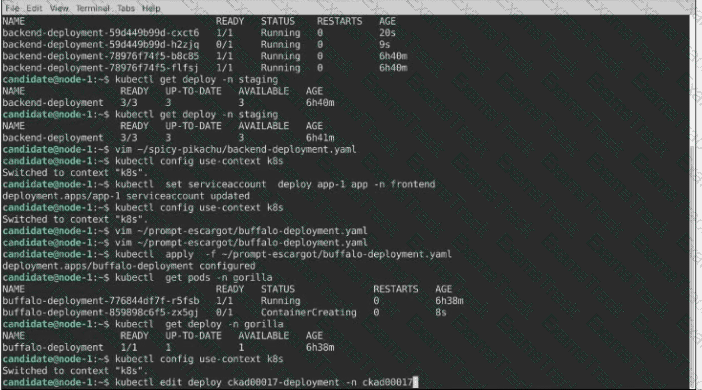
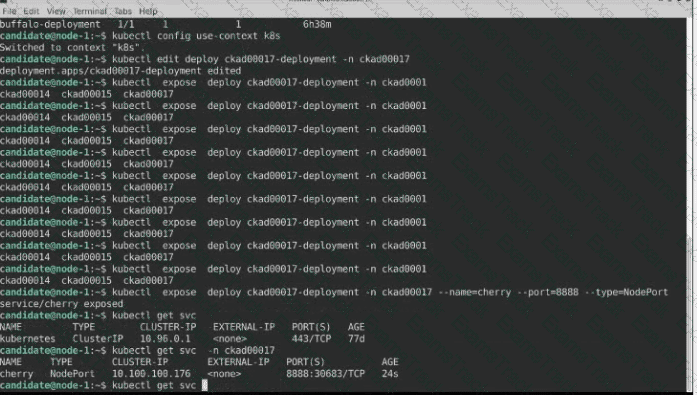
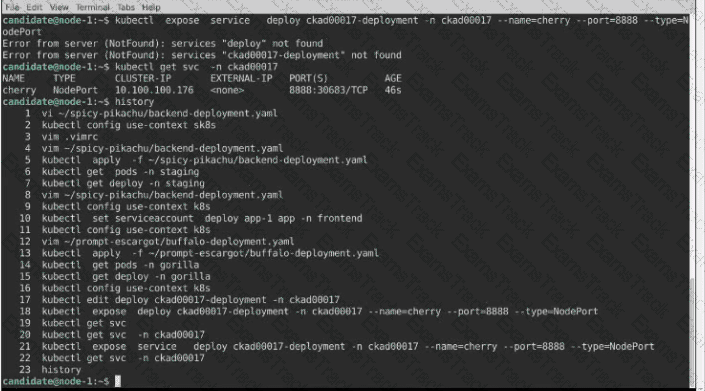
A pod within the Deployment named buffale-deployment and in namespace gorilla is logging errors.
1) Look at the logs identify errors messages.
Find errors, including User “system:serviceaccount:gorilla:default” cannot list resource “deployment” […] in the namespace “gorilla”
2) Update the Deployment buffalo-deployment to resolve the errors in the logs of the Pod.
The buffalo-deployment ‘S manifest can be found at -/prompt/escargot/buffalo-deployment.yaml
Context
Anytime a team needs to run a container on Kubernetes they will need to define a pod within which to run the container.
Task
Please complete the following:
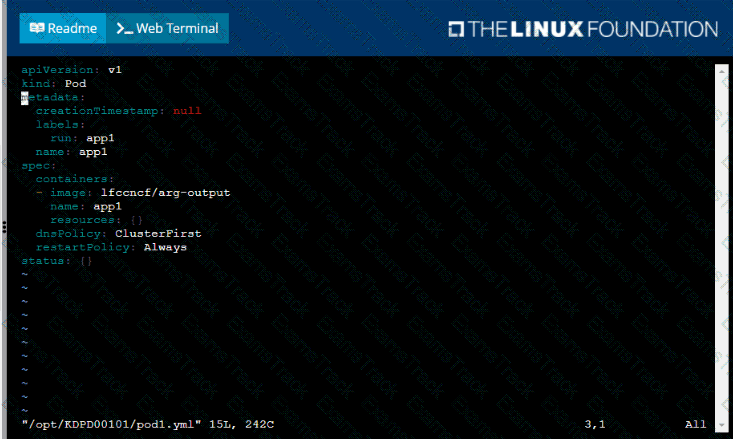
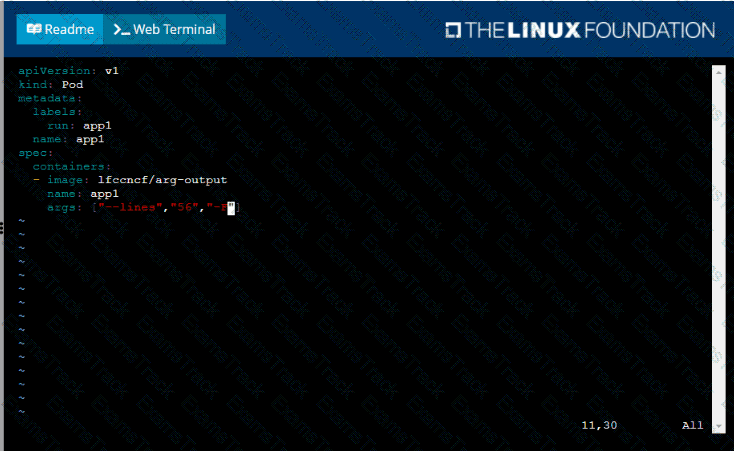
• Create a YAML formatted pod manifest
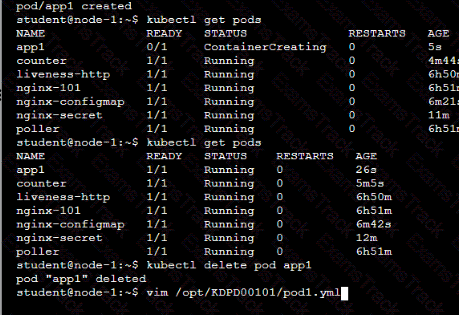
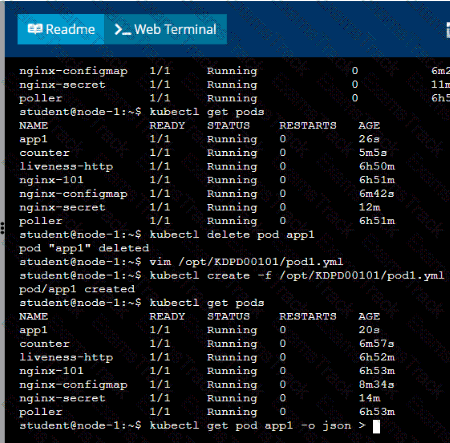
/opt/KDPD00101/podl.yml to create a pod named app1 that runs a container named app1cont using image Ifccncf/arg-output
with these command line arguments: -lines 56 -F
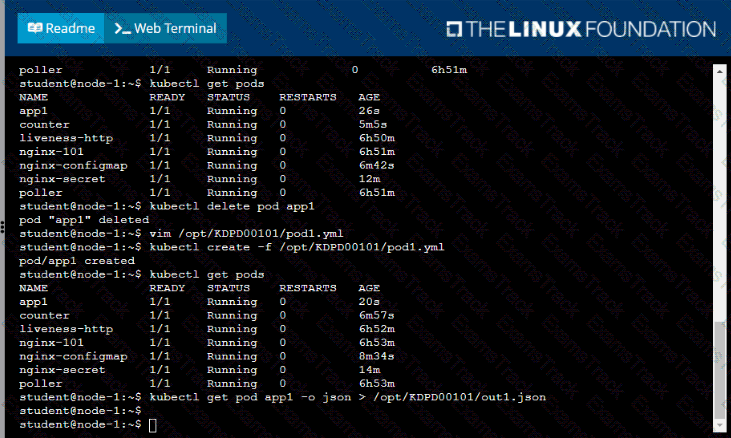
• Create the pod with the kubect1 command using the YAML file created in the previous step
• When the pod is running display summary data about the pod in JSON format using the kubect1 command and redirect the output to a file named /opt/KDPD00101/out1.json
• All of the files you need to work with have been created, empty, for your convenience

|
PDF + Testing Engine
|
|---|
|
$49.5 |
|
Testing Engine
|
|---|
|
$37.5 |
|
PDF (Q&A)
|
|---|
|
$31.5 |
Linux Foundation Free Exams |
|---|

|

Copyright © 2026 Examstrack. All Rights Reserved

TESTED 05 Oct 2026